How to trade in Grow a Garden
Here’s how to trade crops, pets, and sheckles in Roblox’s Grow a Garden.
Image credit:The Garden Game

For a good while in Grow a Garden, the only way to trade items and pets with players was by gifting them your chosen item and then hoping that they would then gift you an item back and complete the trade. This, of course, is not the most reliable way of trading ; folk could easily accept a gift and then vanish into the Roblox ether, leaving you empty-handed.
Fortunately, the introduction of a proper trading system has done away with these risks, providing players with a menu for safely trading items that doesn’t run the risk of anyone missing out on pets or plants they’ve been promised. To help you get to grips with it and acquire those rare plants or pets you’ve been after, here’s how to trade in Grow a Garden .
How to trade in Grow a Garden
To trade items in Grow a Garden, you must first trot over to the Gear Shop and purchase a Trading Ticket for 100,000 Sheckles which can only be used once. So, you’ll need to purchase multiple if you wish to complete multiple different trades. These tickets aren’t always in stock, but more often than not one or two will be available once the Gear Shop resets.
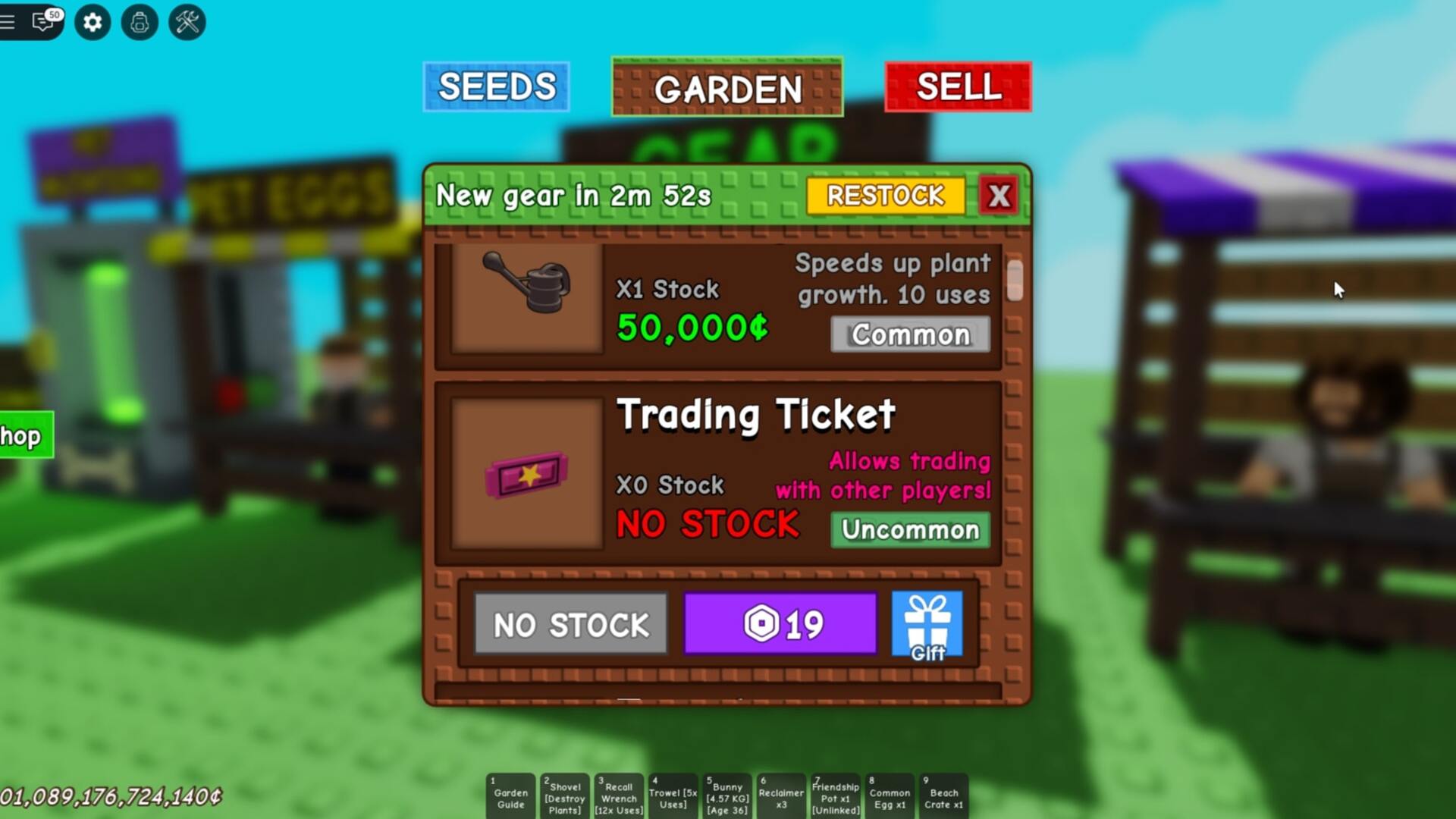
To trade, purchase a Trading Ticket from the Gear Shop first. |Image credit:VG247/The Garden Game
Once you’ve got a Trading Ticket in your possession, equip it and then approach the player you wish to trade with and interact with them. If they accept, you’ll be presented with a trading menu where you can select items such as crops or pets or set an amount of Sheckles to trade. The other player must then also select what they wish to trade.
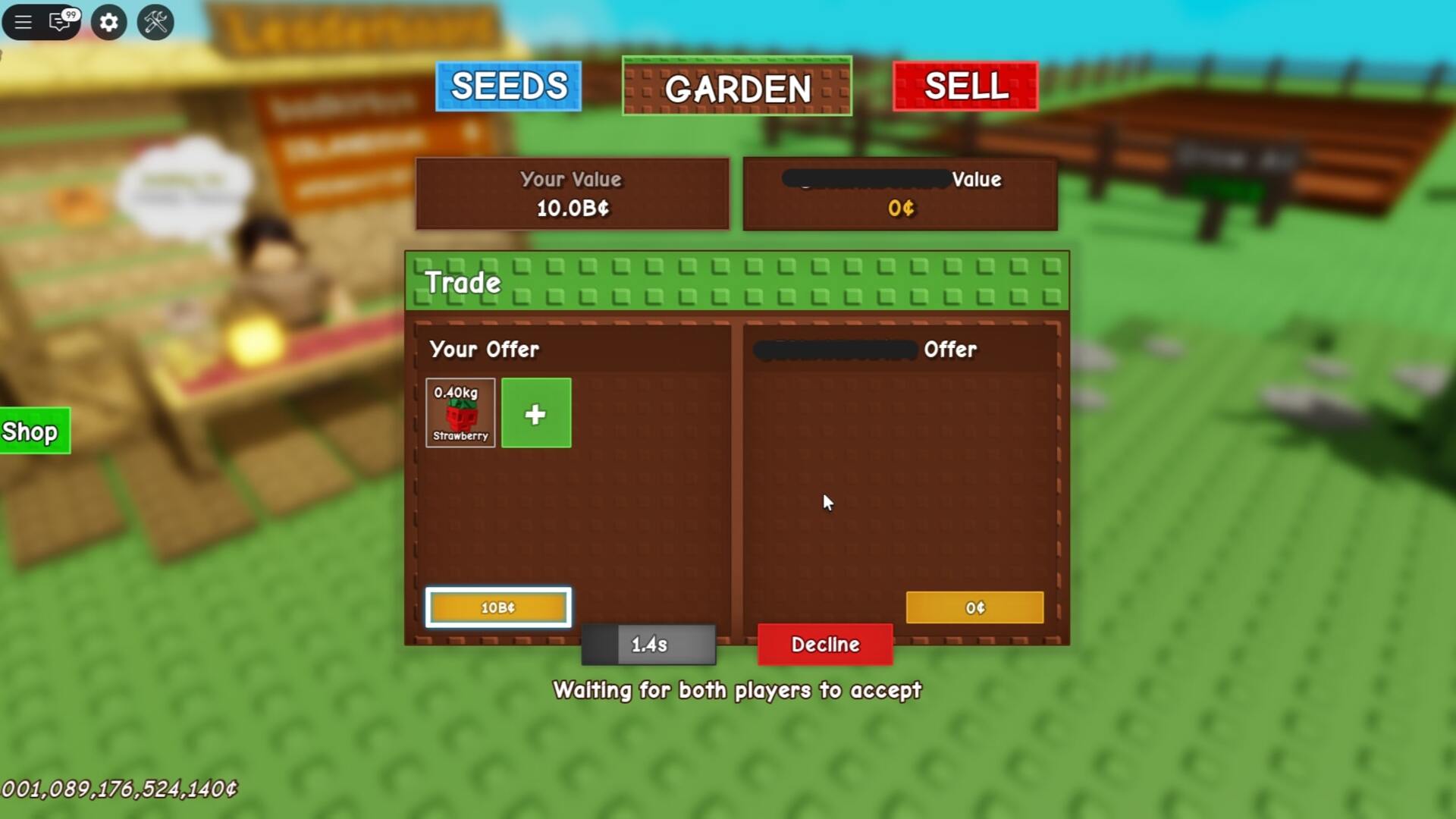
Interact with a player while having a Trading Ticket equipped to begin a trade with them. |Image credit:VG247/The Garden Game
After selecting what to trade, both players need to press ‘confirm ’. Once both players confirm the trade, you will both then need to ‘accept’ the trade. Provided that all goes smoothly, the trade will then be completed and you and your fellow trader will have your new items!
For more on Grow a Garden, be sure to check out our codes page to redeem some in-game freebies. On top of that, here’s how to get all plant mutations and all pet mutations .
Grow a Garden
Video Game
Sign in and unlock a world of features

