The Sims 4 Blast from the Past event guide: How to complete every quest, claim all rewards, plus every retro Sims reference explained!
Everything you need to know about The Sims 25th Anniversary event in TS4, from key dates to detailed reward lists.

Image credit:Electronic Arts

Update: We added details of every Week 4 quest and unlockable, meaning that our guide to the Blast from the Past event is now complete!
The Sims 4 ’s Blast from the Past event is a time-limited in-game event celebrating 25 years of The Sims franchise. Beginning on the big day itself, February 4th, 2025 , the event is due to run for six weeks, with your final chance to finish all the quests and claim all the rewards being March 18th.
Like the Reaper’s Rewards event at Halloween, Blast from the Past is a lore-heavy questline that’ll see you helping out an NPC – in this cast Emit Relevart, who returns to the franchise over a decade after his debut appearance in The Sims 3 : Into the Future.
Assist Emit with his time travel shenanigans and you’ll be richly rewarded with goodies including time-limited cosmetics, traits, decor, and collectibles. Retro Simmers in particular won’t want to miss out; so here’s our complete guide to The Sims 4 Blast from the Past event , including key dates, quest details and rewards!
On this page:
- The Sims 4 Blast from the Past event details
- Blast from the Past quests and tasks list
- Blast from the Past rewards list
- Do I need any DLC in order to complete the Blast from the Past event?
- What are the retro Sims references in the Blast from the Past rewards?
- How to fix the blank UI bug in the Blast from the Past event
The Sims 4 Blast from the Past event details
TS4’s Blast from the Past event lasts for six weeks. The first three weeks will see new quests added every Tuesday, followed by another three-week period during which you’ll be able to complete any outstanding quests at a more leisurely pace.
The key dates for the Blast from the Past event are:
- February 4th, 2025: Blast from the Past event begins, Week 1 quests unlocked.
- February 11th, 2025: Week 2 quests unlocked.
- February 18th, 2025: Week 3 quests unlocked.
- February 25th, 2025: Week 4 quests unlocked.
- March 18th, 2025: Blast from the Past event ends.
New content unlocks at 5pm GMT / 12pm EST / 9am PST on the dates stated, all of which are Tuesdays. The event end will also occur at the time of day given (or the equivalent in your region).
The Sims 4 Blast from the Past quests and tasks list
Unlike the last few events in The Sims 4, quests in Blast from the Past unlock sequentially and need to be completed in order. Due to the story-heavy nature of the event, individual tasks within each quest also unlock one at a time.
Below are details of all the currently available Blast from the Past quests, as well as the individual steps required to complete them:

Quest 1 introduces you to Emit Relevart, a time traveller currently stranded in present-day Willow Creek. |Image credit:VG247 / Maxis / Electronic Arts
Quest 1 (Week 1): A Strange Visitor
- Tune in to the news channel on a TV for 15 minutes.
- Check Emit’s social media profile, found under the Social Networking category on any computer.
- Ask three other Sims about Emit.
- Travel to Magnolia Blossom Park in Willow Creek.
- Introduce yourself to Emit Relevart.
- Ask Emit Relevart about the missing items.
- Ask three other Sims about the missing items.
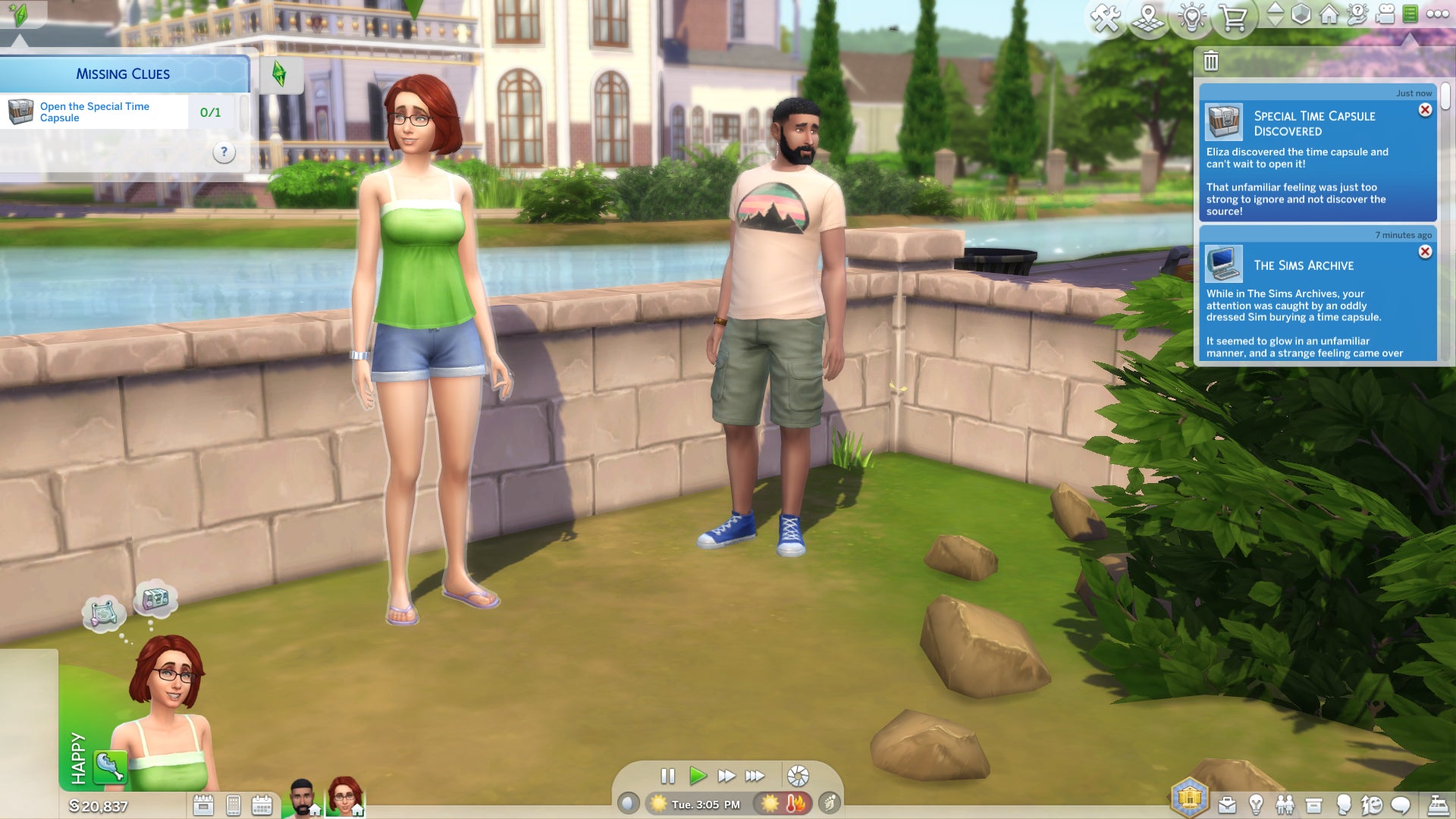
Quest 2 has you scouring the neighbourhood and interrogating the locals in search of Emit’s missing time travel paraphernalia. |Image credit:VG247 / Maxis / Electronic Arts
Quest 2 (Week 1): Missing Clues
- Refresh your memory in The Sims Archives, found under the Play Game category on any computer.
- Find the special time capsule by digging in any rock mound or dirt pile.
- Open the special time capsule in the active Sim’s inventory.
- Read the IOU in the active Sim’s inventory.
- Report back to Emit, who can be found in Magnolia Blossom Park or invited to your Sim’s home lot via the phone.
- Accuse three Sims of being a time traveller.
- Ponder time travel while using a shower, bath, or toilet.
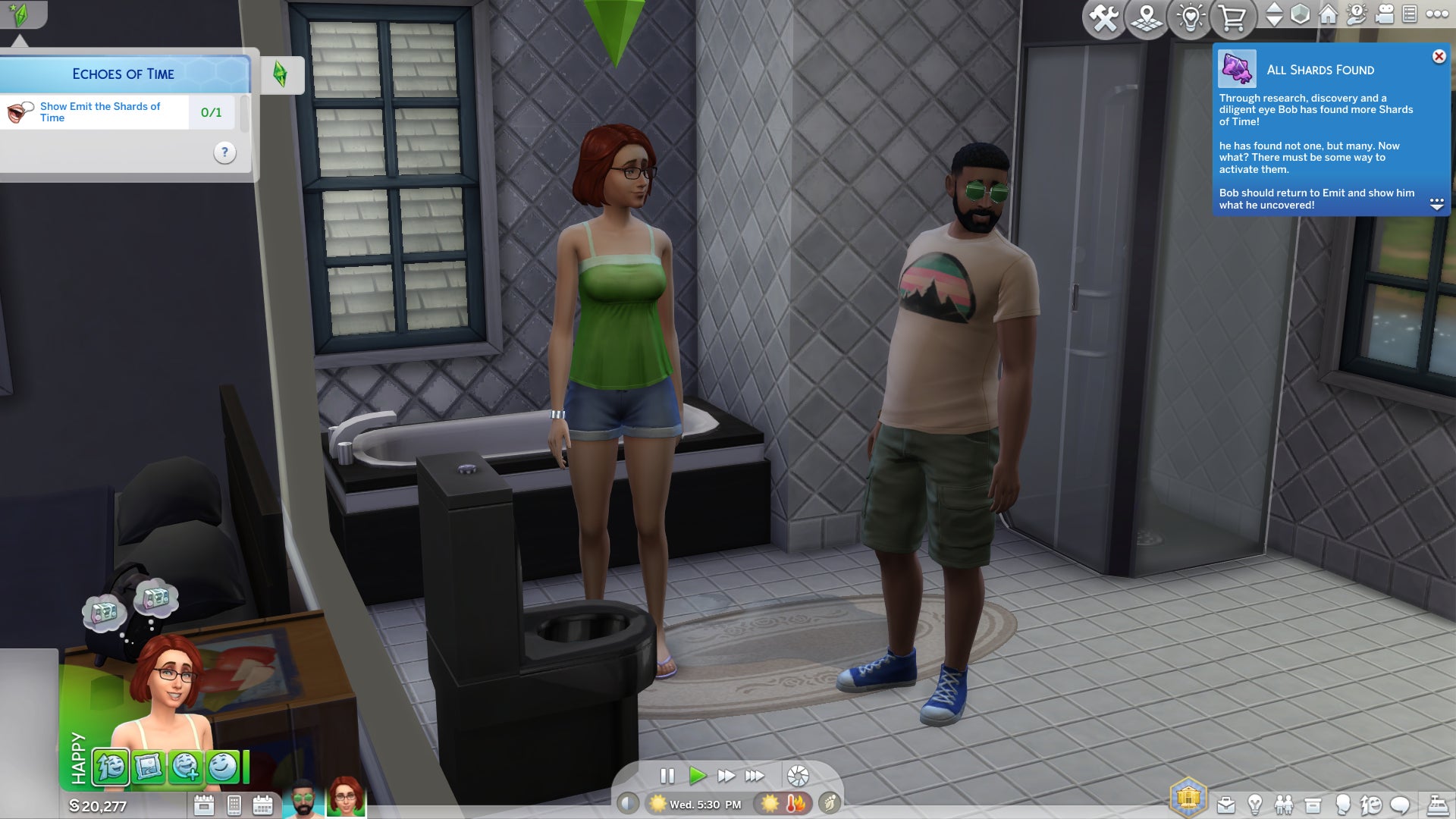
The quest log gives you some hints as to where to find Shards of Time, but fails to mention that they can also be fished out of the toilet. |Image credit:VG247 / Maxis / Electronic Arts
Quest 3 (Week 2): Echoes of Time
- Read The History of Time Travel at a library, available on any bookshelf on the lot. (Can be completed concurrently with Step 2.)
- Study a historical display at a museum, available on any art piece on the lot. (Can be completed concurrently with Step 1.)
- Experience the past by playing The Sims Archives Vol. 2, found under the Play Game category on any computer. (Unlocks after completing Step 1.)
- Ask any elderly Sim about the Shard of Time. (Unlocks after completing Step 2.)
- Research Shards of Time on any computer under the Web > Research category.
- Search three objects for Shards of Time.
- Show Emit the Shards of Time.
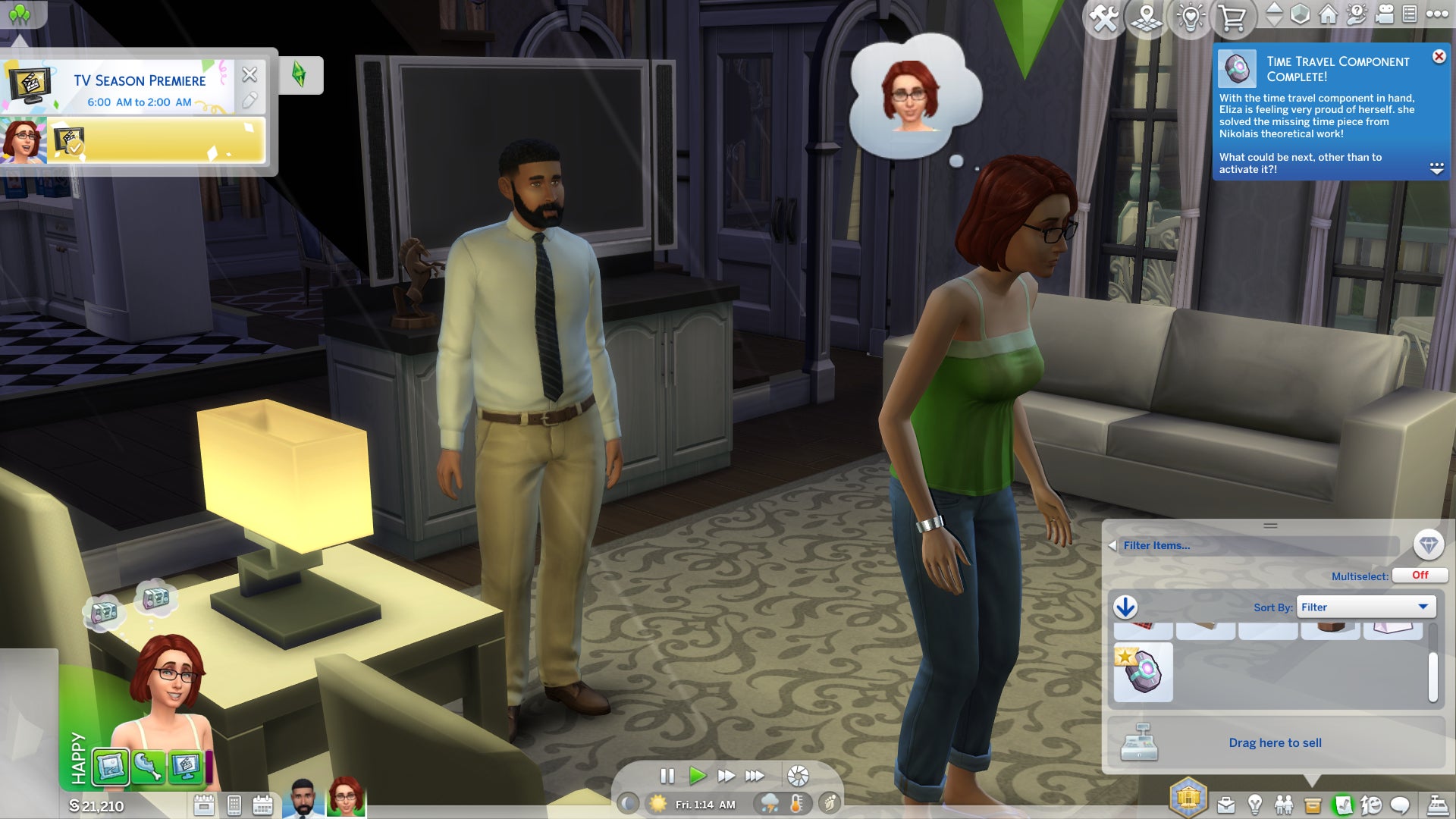
Put all of the required parts into one Sim’s inventory and then click on a Shard of Time to construct the time travel component. |Image credit:VG247 / Maxis / Electronic Arts
Quest 4 (Week 2): Inventing the Past
- Read Theoretical Electronics at a library, available on any bookshelf on the lot. (Can be completed concurrently with Steps 2 & 3.)
- Repair something with Handiness Lvl. 2 or higher. (Can be completed concurrently with Steps 1 & 3.)
- Exercise your mind by participating in a logic-based activity with Logic Lvl. 2 or higher. (Can be completed concurrently with Steps 1 & 2.)
- Collect Plathinum from a rock mound or dirt pile. (Unlocks after completing Step 1.)
- Obtain an electronic upgrade part. (Unlocks after completing Step 2.)
- Collect Ironyum from a rock mound or dirt pile. (Unlocks after completing Step 3.)
- Build the time travel component.
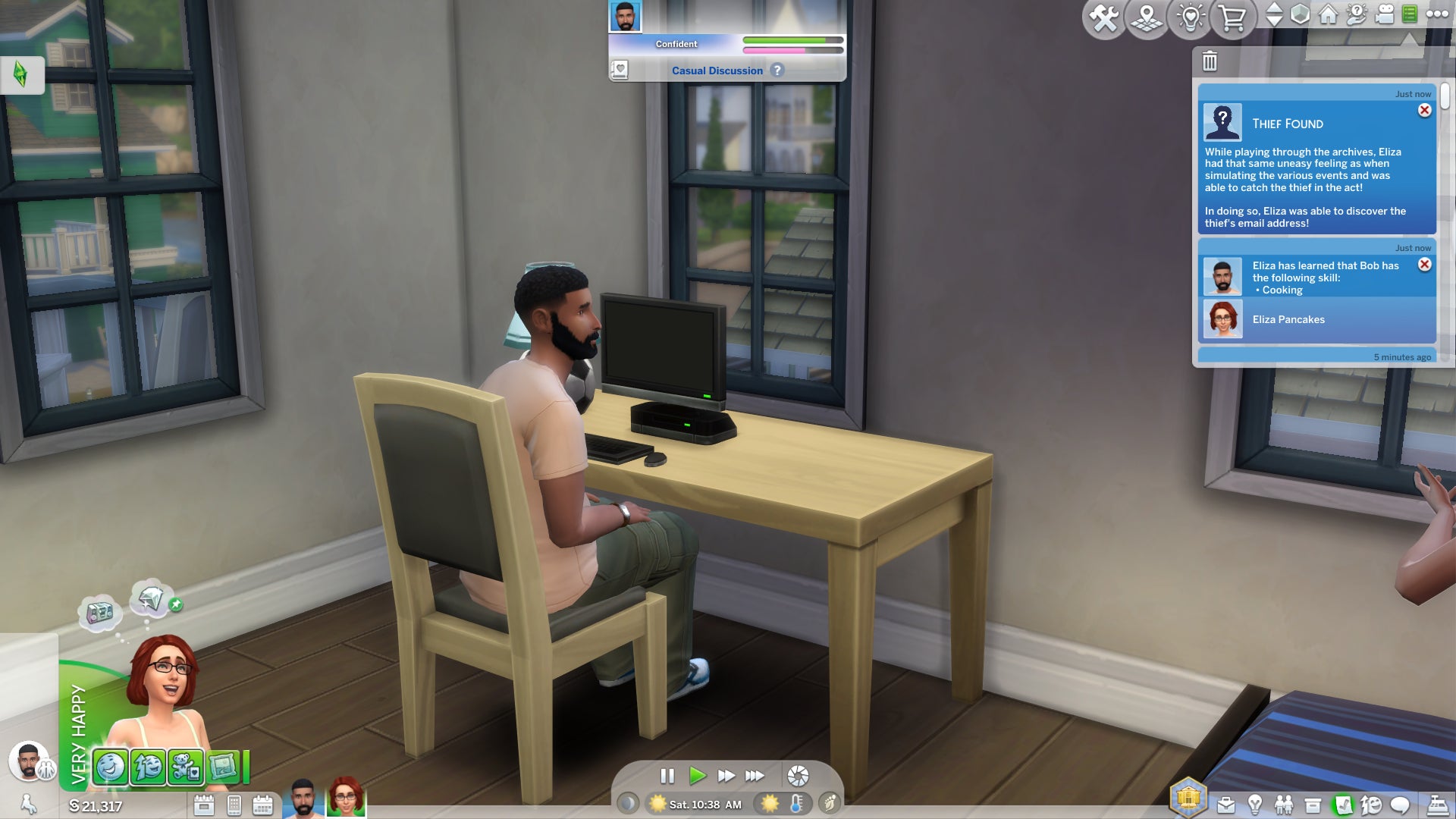
Week 3’s pair of quests are a little shorter than the previous ones, and involve a lot of tinkering with computers. Beware electrocution! |Image credit:VG247 / Maxis / EA
Quest 5 (Week 3): The Setback
- Activate the time travel component, available on any computer.
- Repair or replace the computer. (Unlocks concurrently with Steps 3 and 4.)
- Burn off steam by exercising for an hour. (Unlocks concurrently with Steps 2 and 4.)
- Get something to eat. (Unlocks concurrently with Steps 2 and 3.)
- Ask Emit about the malfunction. (Unlocks after completing Step 2.)
- Overlock a computer. (Requires all other steps to be completed.) For the purposes of the event, this doesn’t require any specific skills, so is available to any Sim on any computer.
Quest 6 (Week 3): On the Hunt
- Give yourself a pep talk in the mirror.
- Look for the thief by playing The Sims Archives Vol. 4 under the Play Game category on any computer. (Note: It’s currently unclear what happened to Vol. 3 — presumably this is either a side-effect of time travel or a mistake on the part of the developers.)

The final week of the event gives you some last-minute opportunities to hang out with Emit before he goes back to the future (or somewhere, anyway). |Image credit:VG247 / Maxis / EA
Quest 7 (Week 4): Hidden Motives
- Report to Emit on the experiment.
- Send a time travelling email to the thief.
- Retrieve the thief’s letter from the mailbox.
- Read the thief’s letter (found in the inventory of the Sim who checked the mailbox).
Quest 8 (Week 4): The Good Thief
- Tell Emit about the thief’s true intentions.
- Say goodbye to Emit.
Blast from the Past rewards list
Completing tasks and quests as part of the Blast from the Past event generates Event Points to unlock rewards. Rewards can be unlocked as soon as the EP requirement for them has been reached, so there’s no need to “spend” points to get rewards; it’s all cumulative, and you can just claim everything that you’ve unlocked from the event page.
There are 33 event rewards in total , including 21 event-exclusive unlocks that you can only get by playing Blast from the Past:
| Name | Type | Exclusive? | Unlocks at… |
|---|---|---|---|
| Retro Deco Phone Set | Build/Buy decorative item x2 | Yes | Week 1 |
| 500 Simoleons | Household funds | No | Week 1 |
| Relevart Time Walkers | Create-A-Sim shoes | Yes | Week 1 |
| Missing Sim Milk Carton: “Pit Beast, Dweller in the Dark” | Missing Sim Milk Carton Collectible | Yes | Week 1 |
| The Yesterday Set | Build/Buy flooring x2 | Yes | Week 1 |
| 25 Satisfaction Points | Rewards Store | No | Week 1 |
| The Future’s So Bright “Sun” Glasses | Create-A-Sim accessory | Yes | Week 1 |
| “Ginny, former Pirate and Sheriff” | Missing Sim Milk Carton Collectible | Yes | Week 1 |
| The Fun-Fun Inflatable Set, Part One | Build/Buy comfort item | Yes | Week 1 |
| Handiness Vol. 1: Try Not to Die! | Skill book | No | Week 2 |
| Get Up! Alarm Clock | Build/Buy electronic item | Yes | Week 2 |
| “Bella Goth, Starry-Eyed Stargazer” | Missing Sim Milk Carton Collectible | Yes | Week 2 |
| 500 Simoleons | Household funds | No | Week 2 |
| The Relevart Neck Stabilizer | Create-A-Sim accessory | Yes | Week 2 |
| Bigger Gatherings Banquet | Build/Buy activity item | Yes | Week 2 |
| Logic Vol. 1: An Introduction to Reason | Skill book | No | Week 2 |
| “Skip Broke, Prolific Father” | Missing Sim Milk Carton Collectible | Yes | Week 2 |
| Be “The Emit” | Create-A-Sim full body outfit | Yes | Week 2 |
| Programming Vol. 1: Turn It Off and On Again | Skill book | No | Week 2 |
| The Fun-Fun Inflatable Set, Part Two | Build/Buy comfort item | Yes | Week 3 |
| “Some Sneaky Sim, Not a Raccoon” | Missing Sim Milk Carton Collectible | Yes | Week 3 |
| Dina Caliente’s LBD | Create-A-Sim full body outfit | Yes | Week 3 |
| New Retro Station | New music becomes available for all stereos | Yes | Week 3 |
| “Emit Relevart, Bow-Tied and Blue-Haired” | Missing Sim Milk Carton Collectible | Yes | Week 3 |
| Video Gaming Vol. 1: Trolling for N00bs | Skill book | No | Week 3 |
| Sticky Fingers | Unlocks a Deviance Aspiration | Yes | Week 3 |
| Surprise Birthday Cake | Build/Buy activity item | Yes | Week 4 |
| The ElectroDance Floor | Build/Buy activity item | Yes | Week 4 |
| Instant Hygiene | Potion | No | Week 4 |
| 500 Simoleons | Household funds | No | Week 4 |
| Energized Potion | Potion | No | Week 4 |
| 25 Satisfaction Points | Rewards Store | No | Week 4 |
| Happy Potion | Potion | No | Week 4 |
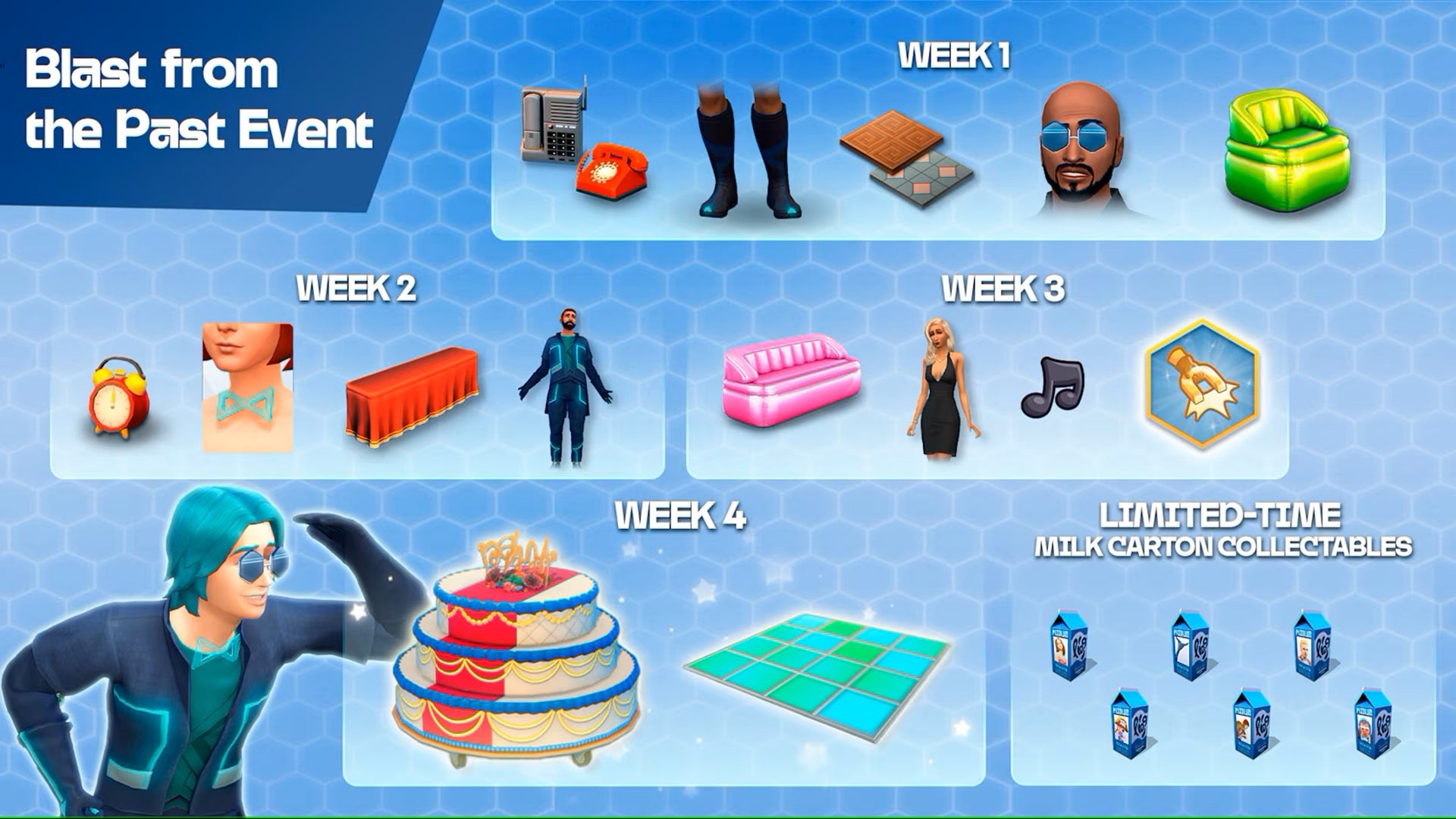
Image credit:Electronic Arts
Missing Sim Milk Carton collectibles will be deposited in the inventory of whichever Sim is the active character when you claim them, as will rewards of common in-game items like books and potions; Satisfaction Points will likewise be added to the active Sim’s reward pool. Simoleon rewards will be added into the active household’s funds.
Rewards that grant new BB or CAS items, as well as the new music station and aspiration added with the event, will be unlocked for all saves in your game going forward once claimed. You can also purchase duplicate Missing Sim Milk Carton collectibles from the buy catalogue after unlocking them.
Additionally, obtaining all six Missing Sim Milk Carton collectibles from the event will grant an additional reward of the “Missing not Forgotten” wall plaque , delivered to the active household via the mailbox. This little bonus item doesn’t need to be redeemed with Event Points, and isn’t tracked in the event’s rewards list.
Do I need any DLC in order to complete the Blast from the Past event?
(Previous events have sometimes included DLC-specific quest tasks, but these were always strictly optional, and it’s always possible to earn enough Event Points to claim all event rewards without any DLC.)
What are the retro Sims references in the Blast from the Past rewards?
All of the event-exclusive rewards in Blast from the Past reference older titles in The Sims series.
References to The Sims 1
The Retro Deco Phone Set and Get Up! Alarm Clock resemble items from The Sims 1, but mainly reference the fact that landline phones and alarm clocks didn’t appear in The Sims 4 up until now, having both been replaced by smart phone UI features. (Note that while the alarm clock is a working electronic, the phones are purely decorative.) The Yesterday Set recreates two of the most recognisable floor tile styles from The Sims 1 base game.
Both parts of the Fun-Fun Inflatable Set reference similarly-named items of inflatable furniture added in The Sims: House Party expansion pack, which was launched back in 2001 when inflatable seating was a bit of a fad. Three activity reward items are direct recreations of House Party furniture, too: the Bigger Gatherings Banquet based on the Elegant Chef Buffet Table, the Surprise Birthday Cake based on the Fancy Feet Cake Treat, and The ElectroDance Floor based on the Bounce My Booty Dancefloor.
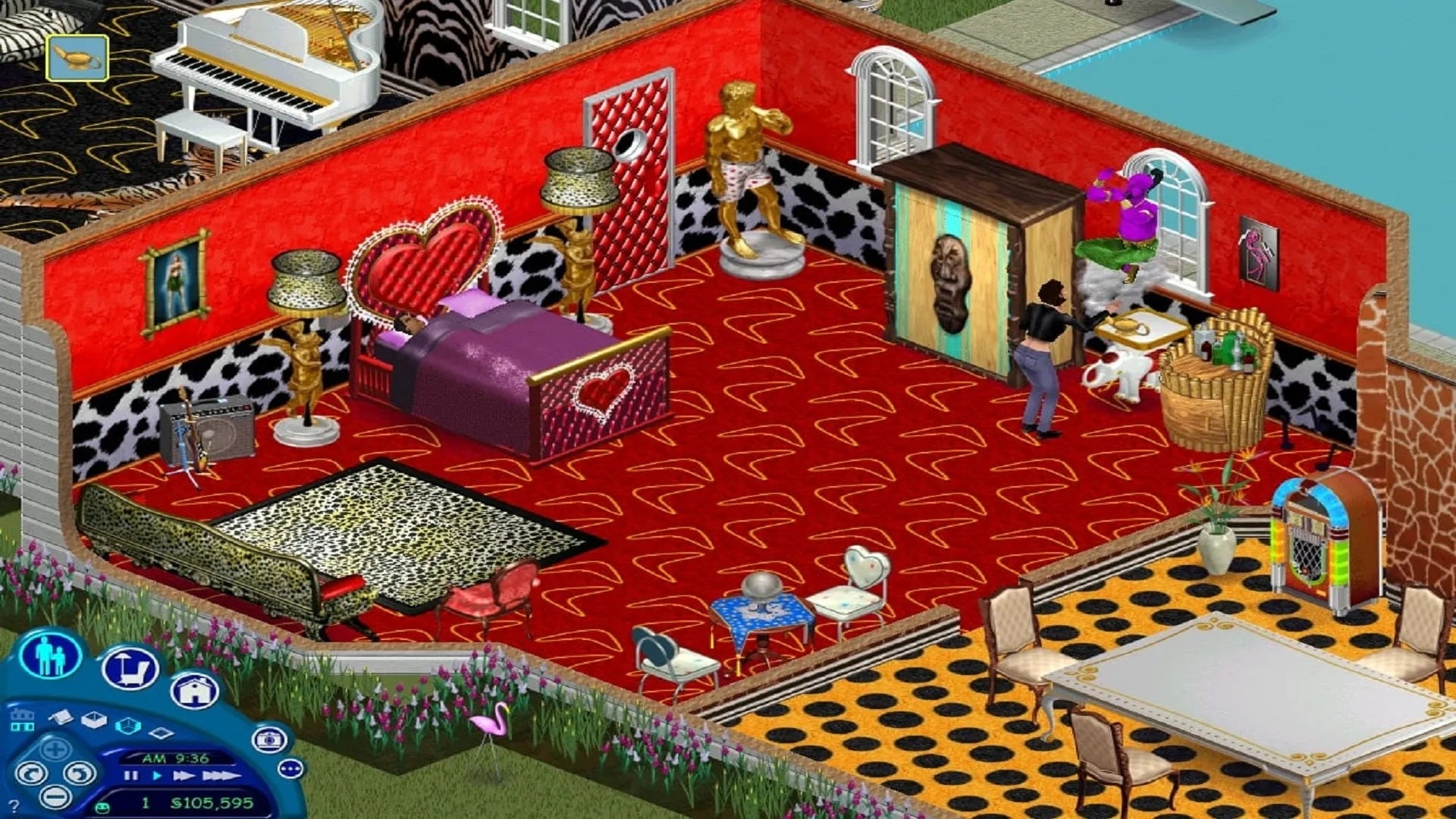
Image credit:Maxis / Electronic Arts
References to The Sims 2
Dina Caliente’s LBD pretty straightforwardly recreates the little black dress sported by popular recurring character Dina Caliente during her debut appearance in The Sims 2 .
References to The Sims 3
The Relevart Time Walkers , Future’s So Bright “Sun” Glasses , Relevart Neck Stabilizer , and Be “The Emit” CAS items are the pieces needed to re-create Emit Relevart’s outfit from this event, which is in turn heavily inspired by his original appearance in The Sims 3.

Image credit:Maxis / Electronic Arts
Franchise-wide references
The Sticky Fingers aspiration seems to be a tease towards the anticipated reintroduction of burglars, a popular NPC type from the first three generations of the franchise who are expected to be added into The Sims 4 very soon, following popular demand.
The New Retro Music Station , despite its name, adds more songs from previous games in the series to the mix that can be played via the existing Retro Station on all stereos.
Most notably, of course, items from the new Missing Sim Milk Carton collectible set each feature a character from an earlier game:
- “Pit Beast, Dweller in the Dark” is a reference to the Pit Beast (a.k.a. Griselda) from The Sims Medieval.
- “Ginny, former Pirate and Sheriff” is a reference to Ginny from the MySims series, who was known as Cap’n Ginny in MySims and Sheriff Ginny in MySims Kingdom (the two games recently collected in the MySims Cozy Bundle).
- “Bella Goth, Starry-Eyed Stargazer” is a reference to Bella Goth’s (dis)appearance in The Sims 2, in which she was infamously abducted by aliens while stargazing through a telescope.
- “Skip Broke, Prolific Father” is a reference to Skip Broke from The Sims 2, the father of Brandi Broke’s three sons who died when the ladder mysteriously disappeared from his swimming pool (in reference to a popular method for killing off Sims in earlier generations of the franchise).
- “Some Sneaky Sim, Not a Raccoon” is a reference to Burglar NPCs from across the franchise. “Some Sneaky Sim” was the display name given to the burglar in The Sims 1, who shared a musical sting with the raccoon so that it wasn’t always clear which was invading your home at first. The picture on the carton shows a generic burglar NPC from The Sims 2.
- “Emit Relevart, Bow-Tied and Blue-Haired” shows event special NPC Emit’s original appearance from The Sims 3: Into the Future, complete with glow-in-the-dark visor.
Viewing any items from the Missing Sim Milk Carton set gives you a pop-up with a fun yet cryptic description of their role elsewhere in the franchise.
How to fix the blank UI bug in the Blast from the Past event
Events in The Sims 4 don’t always run entirely smoothly, and the “blank UI” a.k.a. “no tasks” bug is a particular recurring nuisance. So much so, in fact, that we’ve got a whole separate guide dedicated to fixing it whenever it rears its ugly head as part of a new event.
It’s also worth noting that, because this event relies heavily on inventory items, sticking with a single household or Sim to complete all quests is highly recommended , with some reports that switching between households can cause the event to effectively soft-lock and need to be restarted.
And as ever, Sims community mainstay Crinrict has set up a helpful troubleshooting page for Blast from the Past , where they plan to once again dig down into known issues with the event as they occur.
Celebrations for The Sims’ 25th anniversary are in full swing, with a bunch of retro re-releases coming out to get you in the party mood! To that end, be sure to check out our The Sims 1 cheats and The Sims 2 cheats pages to help you get the most out of The Sims Legacy Collection, and we also have a list of all characters and their interests plus how to farm all Essences in the MySims Cozy Bundle !
The Sims 4
PS4 , Xbox One , PC , Mac
Sign in and unlock a world of features

